
Teaching can be overwhelming with grading, lesson planning, managing behaviors, and trying to leave school on time. Thankfully, classroom technology has progressed from just “digital paper” to helpful tools that save you time.
If you want to update your digital toolkit without spending money, here are the top free tools that will make teaching this year easier and more enjoyable!
Lesson Planning & Content Creation
Canva for Education
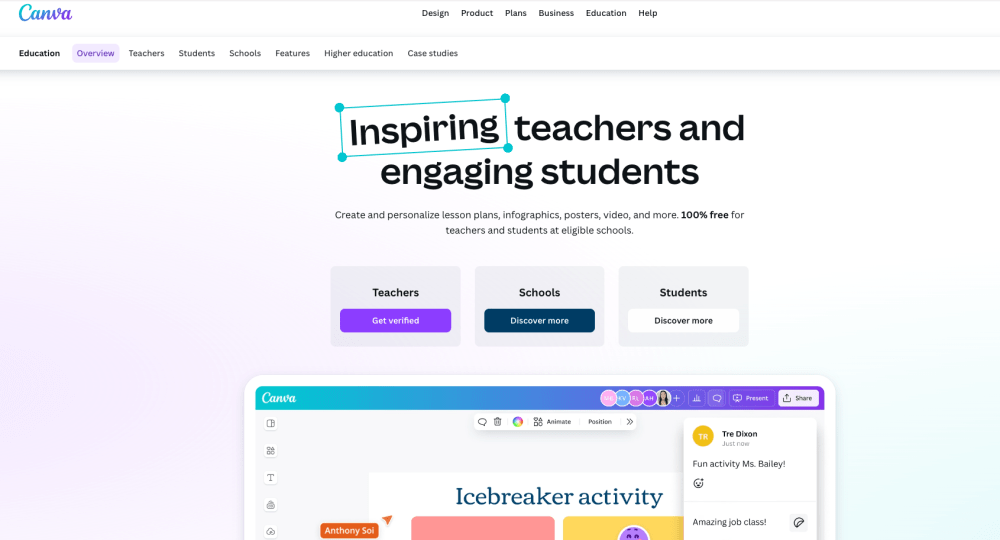
If you are still making basic black-and-white worksheets or regular presentations, Canva for Education is a great tool for you. It gives K-12 educators free access to premium features. You can easily create eye-catching infographics, visual presentations, interactive slide decks, and printable classroom posters.
• Best for: Visual design and beautiful classroom materials.
Google Classroom
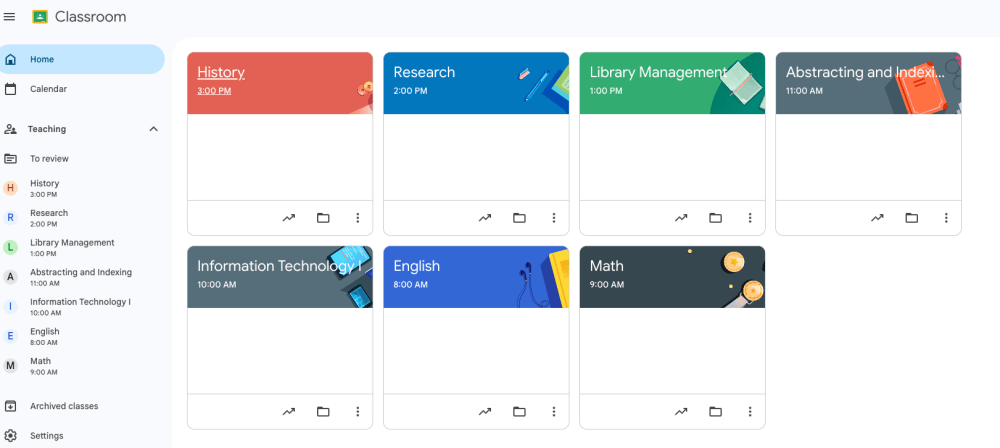
Is a cloud-based learning management platform developed by google for schools, educators, and students. It serves as a central hub for creating classes, distributing assignments, collecting student work, grading, and facilitating communication, while integrating closely with google workspace tools such as Docs, Drive, Meet and Calendar.
• Best for: Classroom management tool, assignments, grading, communication, and organization in one place.
MagicSchool AI
MagicSchool AI, a leading AI platform specifically designed for educators, offers over 80 built-in tools. These tools enable educators to create highly tailored lesson plans, generate clear grading rubrics, compose informative text at specified reading levels, and even assist in the preparation of Individualized Education Plans (IEPs).
• Best for: Saving hours on administrative tasks and lesson creation.

Diffit
Differentiating instruction is crucial, but rewriting the same article for five distinct reading levels can be time-consuming. Diffit addresses this challenge by enabling users to take any article, text, or web URL and instantly rewrite it for multiple reading tiers. Additionally, it automatically generates summaries, vocabulary lists, and comprehension questions tailored to each level.
• Best for: Differentiating reading materials instantly.

NotebookLM
Google’s NotebookLM is a great AI research assistant that functions as a personalized study environment. Users can upload their syllabi, curriculum guides, or PDFs, and the tool utilizes this specific data to generate customized study guides, FAQ documents, and synthesize intricate information for their students.
• Best for: Turning complex class documents into interactive study guides.

Kahoot!
The classic gamified review platform continues to be a staple for high-energy student engagement. Kahoot! turns quick formative assessments and unit reviews into friendly, competitive trivia games. It offers teachers instant data on the questions that most students struggled with.
• Best for: High-energy class reviews and quick check-ins.

Quizlet
For vocabulary acquisition and mastery of core facts, Quizlet is unmatched. Students can study teacher-curated digital flashcards or dive into collaborative learning games. It gives learners the autonomy to study at their own pace using adaptive practice tests.
• Best for: Vocabulary mastery and retrieval practice.

Padlet
Think of Padlet as a collaborative, digital bulletin board. It allows students to securely post notes, images, text, links, and video clips onto a shared digital canvas. It is incredibly effective for brainstorming sessions, exit tickets, and collaborative group project tracking.
• Best for: Real-time class collaboration and visual brainstorming.

ClassDojo
Building a cohesive classroom community requires solid parent communication. ClassDojo bridges the gap seamlessly by allowing teachers to share real-time classroom moments, track positive student behaviors, and instantly message families with automated updates.
• Best for: Behavior tracking and elementary parent communication.
Khan Academy
It is a nonprofit organization dedicated to providing complimentary online educational resources, practice exercises, and instructional videos covering a diverse array of subjects. Established with the mission to enhance accessibility to high-quality education for all, it serves learners, educators, and families globally through both web and mobile platforms.
• Best for: Free lessons, videos, and practice exercises. Covers multiple subjects and grade levels.
Nearpod
To ensure that students remain engaged during a lecture, Nearpod provides the capability to embed interactive polls, collaborative boards, open-ended questions, and even virtual reality (VR) field trips directly within your presentation slides. As you progress through each slide, you will receive real-time data regarding student comprehension.
• Best for: Turning passive presentations into active lessons. Communication, Collaboration & Organization

Technology should never replace great teaching and of course the teachers , but it should definitely make your job easier and efficient for educators. In today’s fast-paced educational landscape, integrating just one or maybe two of these innovative and helpful tools into your workflow can significantly streamline your process, ultimately clearing hours off your schedule. By taking advantage of digital resources, you can foster a more engaging learning environment, enhance communication with students, and provide personalized support tailored to individual needs. Furthermore, as you embrace these technologies, you’ll not only increase your efficiency but also inspire your students to developed their tech savvy skills, preparing them for success in world that increasingly relies on digital competency
Which tool would you like to try first? or have you been using it?